Design Any Room Faster with AI: Visualize & Refine Ideas
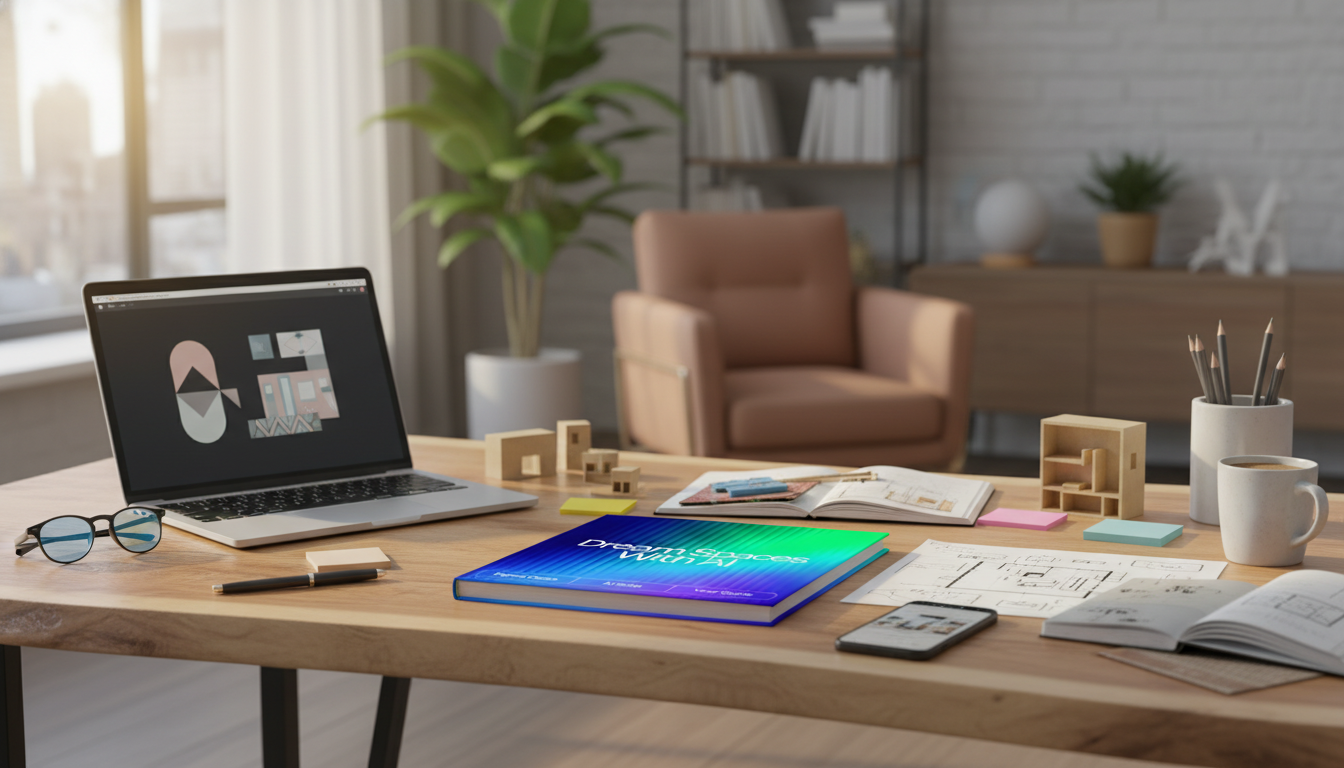
Dream Spaces with AI: A Digital Guide to Visualize, Refine, and Transform Rooms
Home design gets dramatically easier when ideas can be explored fast, compared side by side, and refined before spending real money. With AI-generated visual directions, you can test multiple looks for the same room, spot what feels “off,” and move forward with a plan that fits how the space actually works. The Dream Spaces with AI digital guide is built around a practical, creativity-first workflow: gather the right inputs, generate multiple concepts, then translate the best results into actionable next steps.
What this guide helps unlock
- Turn vague preferences into clear room directions (style, mood, color, and function).
- Create multiple design routes for the same space to avoid “one-option” tunnel vision.
- Visualize changes before buying: layout shifts, palette swaps, and decor updates.
- Organize outputs into a repeatable workflow for living rooms, bedrooms, kitchens, and more.
- Reduce decision fatigue by narrowing choices with consistent criteria.
A simple workflow: from real room to refined concept
- Capture the space: Take well-lit photos from corners and straight-on walls; note room dimensions and fixed elements (windows, doors, outlets).
- Define constraints first: Set a budget range, renter-friendly limits, pets/kids realities, and must-keep furniture.
- Generate variations: Request several different aesthetics and layouts rather than one “final” concept.
- Evaluate and iterate: Keep what works (lighting plan, rug size, storage idea) and re-run only what doesn’t.
- Translate to action: Turn the chosen direction into a shopping list and a step-by-step refresh plan.
What to feed AI for better design results
- Room facts: dimensions, ceiling height, natural light direction, and existing materials (flooring, trim, counters).
- Functional needs: seating count, work-from-home zone, storage goals, traffic flow, and accessibility considerations.
- Style references: 2–4 adjectives (e.g., “warm, minimal, organic”), plus 1–2 inspiration anchors (era, region, design movement).
- Non-negotiables: items staying, colors to avoid, and maintenance preferences (washable fabrics, scratch-resistant finishes).
- Output format requests: ask for layout options, a palette with hex codes, or a prioritized upgrade list.
Common room transformations (and the fastest wins)
- Living room: Anchor seating on a correctly sized rug, add layered lighting, and clarify a focal point.
- Bedroom: Simplify the palette, upgrade bedding texture mix, and add blackout/filtered window treatments for better rest.
- Kitchen: Prioritize task lighting, define zones (prep, cook, clean), and update hardware for a quick refresh.
- Entryway: Add a drop zone (hooks, tray), a runner, and a mirror to increase light and usability.
- Home office: Improve ergonomics, reduce glare, and build vertical storage to keep the desktop clear.
Style directions you can explore without committing
- Warm minimal: Soft neutrals, natural textures, fewer objects with higher impact.
- Modern classic: Clean lines with traditional shapes, balanced contrast, refined metals.
- Coastal calm: Airy palette, tactile linens, light woods, and relaxed proportions.
- Industrial soft: Mixed metals, structured pieces, warmed up with rugs and textiles.
- Eclectic curated: Cohesive color story, varied eras, repeated shapes to keep it intentional.
Room planning cheatsheet
Quick room decisions: inputs and outputs
| Goal | What to provide | What to ask for | What to keep from the result |
|---|---|---|---|
| Pick a color palette | A photo + 3 adjectives + colors to avoid | 3 palette options with dominant/secondary/accent | Hex codes and a paint + textile direction |
| Improve layout | Dimensions + fixed elements + must-keep pieces | 2–3 furniture layouts with clear walkways | A layout sketch + key measurements |
| Upgrade lighting | Current fixtures + room use + natural light notes | Layered lighting plan with fixture types | Placement ideas and bulb temperature guidance |
| Make it cohesive | List of existing items staying | A unifying style story and 5 changes to align | A prioritized refresh checklist |
Turning visual concepts into a real shopping and DIY plan
When a concept includes a functional upgrade, choose pieces that earn their footprint. In a kitchen, a rolling prep surface like the Stainless steel kitchen work table with wheels can add flexible counter space and storage without a renovation. For a higher-impact refresh, a focal fixture such as the Luxury intelligent touch kitchen faucet can modernize the sink zone quickly—especially when the rest of the palette is already cohesive.
For layout and clearance planning, consult established standards like the National Kitchen & Bath Association (NKBA) Planning Guidelines. For lighting decisions that affect comfort and energy use, the U.S. Department of Energy’s lighting guidance is a helpful reference. And when choosing finishes and cleaners that support everyday maintenance, EPA Safer Choice can help narrow household-friendly options.
Who this is for
Dream Spaces with AI: what’s included
If the goal is to make decisions faster without flattening personal style, start with one room, run three distinct directions, and commit only after you’ve compared them against the same criteria (budget, maintenance, storage, and comfort). When you’re ready to repeat the process room by room, the Dream Spaces with AI digital guide keeps the workflow consistent so the whole home feels intentional.
FAQ
Can AI really help with interior design if the room is small or awkward?
Yes—by generating multiple layout and storage approaches, highlighting scale issues, and offering alternative focal points. Confirm feasibility by measuring walkways and checking real product dimensions before purchasing.
What should be prepared before generating design concepts?
Gather a few well-lit photos, rough dimensions, fixed elements, must-keep items, a budget range, and 3–5 style descriptors. Clear constraints lead to more usable, realistic results.
How can AI ideas be made consistent across the whole home?
Carry a repeatable palette, material set, and a small list of signature elements (such as one metal finish and one wood tone) from room to room. Vary only one or two features per space to keep things fresh without feeling disconnected.











Leave a comment